
Quick answer
No, a water tracker app does not need an account. Everything it requires to work, meaning an amount, a timestamp, a daily goal, and a reminder schedule, is data you enter on one device. Accounts exist so an app can sync across devices, restore history after a lost phone, or run server-side features. Before installing, check the Google Play Data safety section, read the permission list, and confirm the app still logs an entry with the network off.
This guide is published by the developer of HydroFast, an Android water and fasting tracker. It explains how to evaluate any tracker's data handling. It is general guidance rather than legal advice.
Using HydroFast without an account
- Set up a local profile. Choose your preferences on your phone. A local profile is not an online account; there is no sign-in or password.
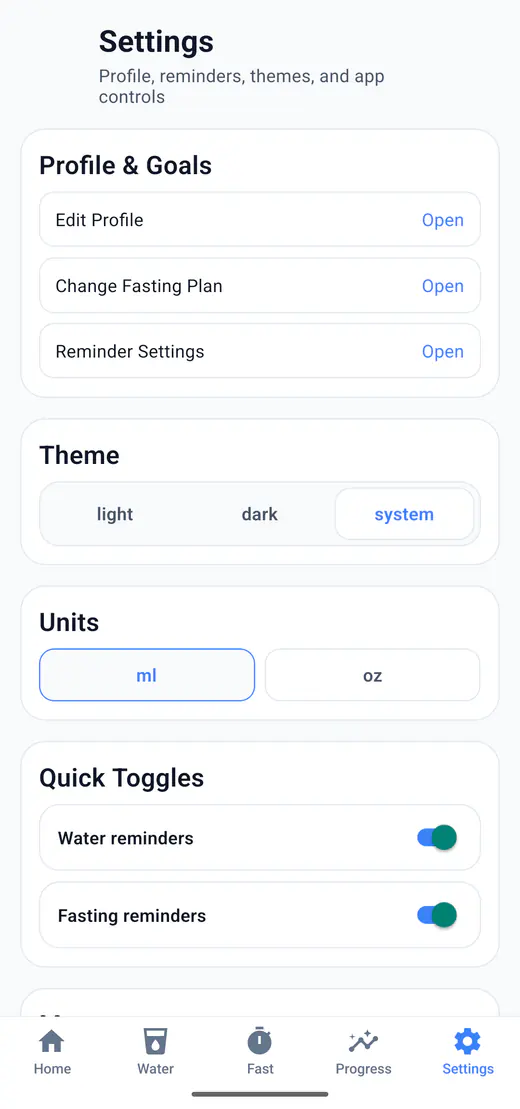
- Track in your units. Choose oz or ml in Settings. Water logging and fasting history work offline after installation.
- Understand the tradeoff. There is no cloud sync or backup-and-restore feature. Deleting app data removes your local history; it will not return by signing in on another phone.
- Keep support separate. A voluntary Help and Support request sends your message, contact information, and related details so we can respond. No-account tracking does not mean that support requests stay on the device.
Read the Privacy Policy and data deletion instructions, or see how ounces tracking works.
An account is a product decision, not a technical requirement
Consider what a hydration tracker has to do. You tap a preset, it stores a number and the time. It compares the running total against a goal you set. It schedules a notification for later. Every one of those operations can happen inside a single phone, with no server involved at any point.
So when an app insists on a sign-up before it will count a glass of water, the account is buying something other than basic function. Usually it is one of four things: syncing your history across a phone and a tablet, restoring your data after you lose or reset a device, sharing one history between an iPhone and an Android version, or enabling a subscription and the mailing list that comes with it.
None of those is illegitimate. They are simply different from "the app cannot work without it."
The trade runs in both directions, and it is worth being honest about the side that local-only apps lose.
| Consideration | Local-only tracker | Account-based tracker |
|---|---|---|
| Works with no connection | Yes, tracking reads and writes on the device | Usually needs a connection to sign in and sync |
| New phone or factory reset | No server copy to restore from, so the history ends with the device | Restores from the server after signing in |
| Two devices, one history | Not supported | Supported, that is the main reason accounts exist |
| Where your log lives | One copy, on your phone | On your phone and on the provider's servers |
| What a provider breach could expose | No server-side copy of your tracking log to expose | Depends entirely on the provider's security |
| Deleting everything | Clear the app data or uninstall | Needs an account deletion request as well |
Neither column is the right answer for everyone. If losing a year of history when your phone dies would genuinely bother you, an account-based app with real backup is the safer choice, and a local-only app is a compromise you should make knowingly.
The two kinds of data a tracker can collect
Most confusion about app privacy comes from treating these as one thing. They behave completely differently.
What you type
Intake amounts, log times, your daily goal, fasting windows, units, and reminder preferences. You can see all of it in the interface, and you generally know when you have entered something.
What is gathered about you
Device identifiers, analytics events, crash reports, advertising IDs, coarse location. None of this appears on screen, and bundled third-party SDKs can collect it without ever needing your email address.
The second bucket is where the meaningful privacy risk usually sits, and it is exactly the part you cannot inspect by using the app. This is why "no account" is not the same claim as "no data collection." An app can skip sign-up entirely and still ship an advertising SDK. Checking that distinction is what the next section is for.
How to check what an app stores before you install it
Five checks, in the order that costs you the least time. The first three happen before you install anything.
- Read the Data safety section. On the Google Play listing, this is where a developer declares what is collected, what is shared, and for which purposes. Look specifically for the health and fitness category and for anything marked as used for advertising.
- Scan the permission list. A hydration tracker asking for location, contacts, or camera access is worth a second look. Permissions are declared on the store listing before you install.
- Search the privacy policy for four words. Analytics, advertising, share, and sell. Then find the retention and deletion sections. A policy that avoids all six topics is telling you something.
- Run the airplane-mode test. After installing, turn off Wi-Fi and mobile data, log an entry, then close and reopen the app. This checks offline tracking; it does not prove that an app never sends data when connectivity returns.
- Look for an in-app delete. Check whether you can erase your records from inside the app, clear its storage in Android settings, or request deletion of any server-side data. These are different deletion paths.
The Data safety section is the highest-value stop, because Google requires developers to declare collection and sharing there by data type and purpose. Google's own guide to the Data safety section on Google Play explains what each category means and where to find it on a listing. Worth remembering: these entries are self-reported by the developer, so a clean Data safety card is a claim rather than an audit. Treat a vague or contradictory one as a reason to keep looking.
The airplane-mode test is the only check on the list that cannot be talked around by marketing copy. Either the entry you logged with the radios off is still there when you reopen the app, or it is not.
Which Android permissions a hydration tracker actually needs
Very few. A water and fasting tracker that schedules its own reminders needs permission to post notifications, and not much else.
Notification permission is narrower than people often assume. It allows an app to show alerts. It does not grant access to your files, your contacts, your location, or the content of other apps. For a tracker whose reminders are scheduled locally, it is the one permission that genuinely enables a core feature.
Requests that deserve a harder look on a hydration app include precise location, contacts, camera, microphone, and broad file or media access. There can be honest explanations, a photo attachment feature for instance, but the burden should be on the app to make the reason obvious. You can review what any installed app currently holds, and revoke individual permissions without uninstalling, using Google's instructions for changing app permissions on Android. Menu labels vary between manufacturers.
Keep in mind that permissions and in-app settings are two separate layers. Android can be blocking a notification channel while the reminder is still switched on inside the app, and the reverse happens just as often. The hydration reminder settings page covers the in-app side.
How HydroFast handles this
Applying the same checklist to our own app, with the details taken from the published policy rather than a summary.
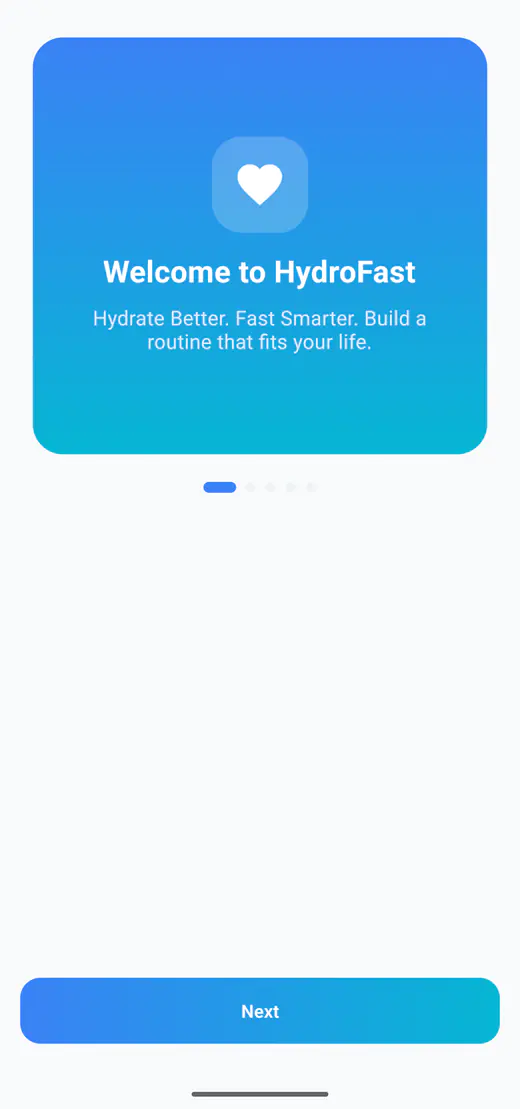
- No account for core use. HydroFast does not require account creation, while profile information entered during setup stays on the device. The first-launch screen at the top of this page opens onto a short introduction and a Next button rather than a sign-in form.
- Tracking data stays on the device. Profile data, water logs, fasting sessions, settings, and reminder state are kept on your phone for offline operation.
- Local notifications only. Reminders are scheduled on the device. HydroFast does not use remote push notifications and does not use push tokens.
- No analytics or crash-reporting provider currently in use. Both are listed as none in the third-party services table of the policy, which also commits to updating that table if it changes.
- No sale of personal data. User-entered hydration and fasting data is not shared with third parties in the current version, except where disclosure is legally required or needed to protect rights, safety, or security.
There is one real exception, and skipping it would make the list above dishonest. Help and Support is voluntary, and using it does send data off the device over HTTPS:
- The email address needed to reply, and your name if you choose to give it
- The support category, subject, and message you write
- One optional image, if you attach one
- Limited technical details: app version, Android version, device model, locale, and a randomly generated installation identifier
That identifier is stored on your device and reused to manage request limits. It is not an advertising ID, IMEI, or serial number. The request is sent when you choose to submit it. The full wording is on the HydroFast privacy policy page.
HydroFast is available on Android only and is currently free. Neither fact makes it the right app for you, but both are things worth confirming rather than assuming, which is the point of the checklist above.
How to delete tracking data you no longer want
An app that stores your records should also let you destroy them. For HydroFast there are three routes, described in its privacy policy: open Settings and choose Reset All Data, then confirm; clear the app's storage from Android settings; or uninstall the app. Deleting locally stored data is permanent and cannot be undone once confirmed.
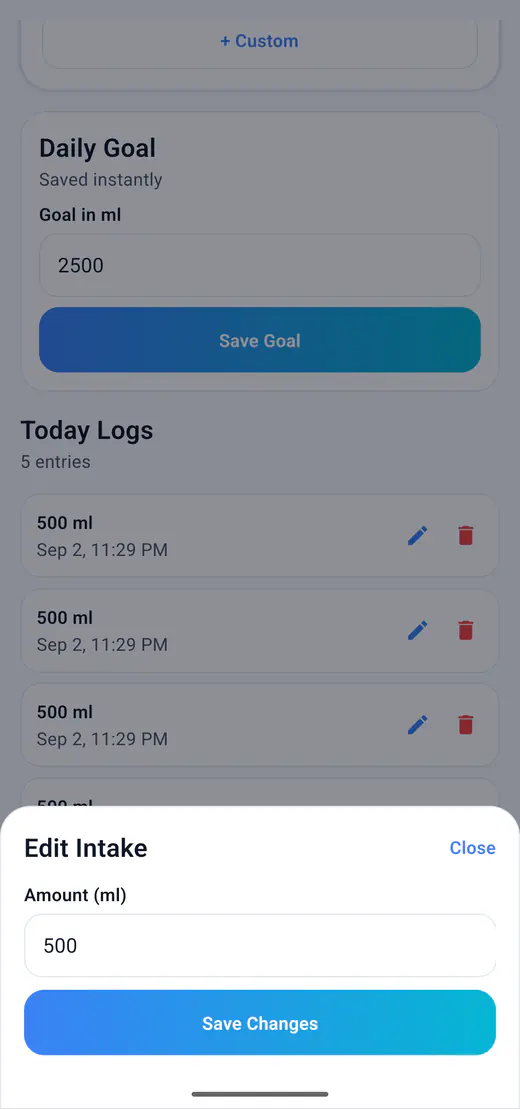
You do not have to go that far to fix a single mistake. Individual entries can be edited or removed from the water screen, which is the difference between correcting a mis-tapped amount and wiping a month of history.
Two caveats apply to any app, not just this one. Local deletion does not retract data you already sent elsewhere. A submitted support request, for example, has to be deleted by asking the provider. And on a local-only tracker, uninstalling is deletion: there is no server copy waiting to restore your history. Details for HydroFast are on the settings, reset, and device storage help section of the support page.
HydroFast can generate PDF reports that you choose to save or share. A saved PDF is a readable record, not an app backup: HydroFast does not have a feature to restore tracking history from it on another phone. Keep that limitation in mind before clearing app data or changing devices.
Where people go wrong judging an app's privacy
- Treating "offline" and "private" as the same thing. An app can work offline and still upload a queued batch of analytics the next time it sees Wi-Fi.
- Assuming no sign-up means no collection. An advertising SDK has never needed your email address to build a profile around a device identifier.
- Reading the store description instead of the Data safety card. One is marketing copy; the other is a structured declaration with categories and purposes.
- Tapping through permission prompts during onboarding. That is the moment you have the most leverage and the least attention.
- Expecting a policy to stay still. A local-first app can add a cloud feature in the next release, so the version you checked is the version you checked.
Verify rather than take our word for it
Everything stated above about HydroFast reflects its currently published privacy policy, which is the document to check rather than this article. App behaviour and policies change between releases, and a guide can go out of date while a policy page does not. This is general guidance on evaluating apps, not legal advice. HydroFast is also a wellness and habit tracking app, and does not provide medical advice, diagnosis, or treatment.
Accounts and app data FAQ
Do water tracker apps need an account?
No. Nothing about logging water intake requires a server: the amount, the timestamp, the daily goal, and the reminder schedule can all live on one device. Accounts exist so an app can sync across devices, restore your history after a lost phone, or run server-side features. Some apps require one anyway, which is a product decision rather than a technical necessity.
Do hydration apps work without internet?
A local-first hydration app does, because it reads and writes to on-device storage. An account-based app usually needs a connection at least for sign-in and sync, though many cache recent data offline. The quickest way to find out is to disable Wi-Fi and mobile data, log an entry, and reopen the app to see whether the entry is still there.
What data do water tracker apps collect?
Two separate things, and conflating them causes most of the confusion. The first is what you type: intake amounts, times, goals, fasting windows, and preferences. The second is what the app and any bundled SDKs gather about you, such as device identifiers, analytics events, crash reports, or advertising IDs. The second bucket is invisible in the interface, which is why the Data safety section and the privacy policy matter more than the screenshots.
How can I tell if a health app shares my data?
Start with the Data safety section on the Google Play listing, which lists declared collection and sharing per data type. Then read the privacy policy's sharing, third-party, and retention sections. Declarations are self-reported by developers, so treat a vague policy as a reason for caution rather than proof of safety.
Does HydroFast require an account?
No. You complete a local profile setup, but do not create an account or sign in. Tracking data stays on your device. Sending a voluntary Help and Support request shares the information needed to handle that request.
Does HydroFast work offline?
Yes. Core water and fasting tracking works from data stored on your device, and reminders are scheduled locally. Downloading the app and sending a Help and Support request require internet access. There is no cloud sync or backup-and-restore feature.
What happens to my hydration data if I uninstall the app?
On a local-first tracker, uninstalling removes the on-device records, and with no server copy there is nothing to restore from afterwards. Check whether your app documents an export or backup before a phone upgrade, because that is the point at which a local-only history is easiest to lose. Uninstalling also does not retract anything you previously sent elsewhere, such as a support message with an attached screenshot.
Is it safe to give a water tracker notification permission?
Notification permission lets an app post alerts. It does not grant access to your files, contacts, or location. A hydration app needs it to deliver reminders that are scheduled on the device, and you can revoke it later in Android settings without uninstalling the app.
Check the two-minute version, then decide
Open the Data safety card, glance at the permissions, and log one entry with the network off. Those three checks take about two minutes and tell you more than any amount of store copy. An app that needs an account may still be the right pick, just make it a choice you made rather than a form you filled in.